Open a Maybank iSave Account!

Step 3
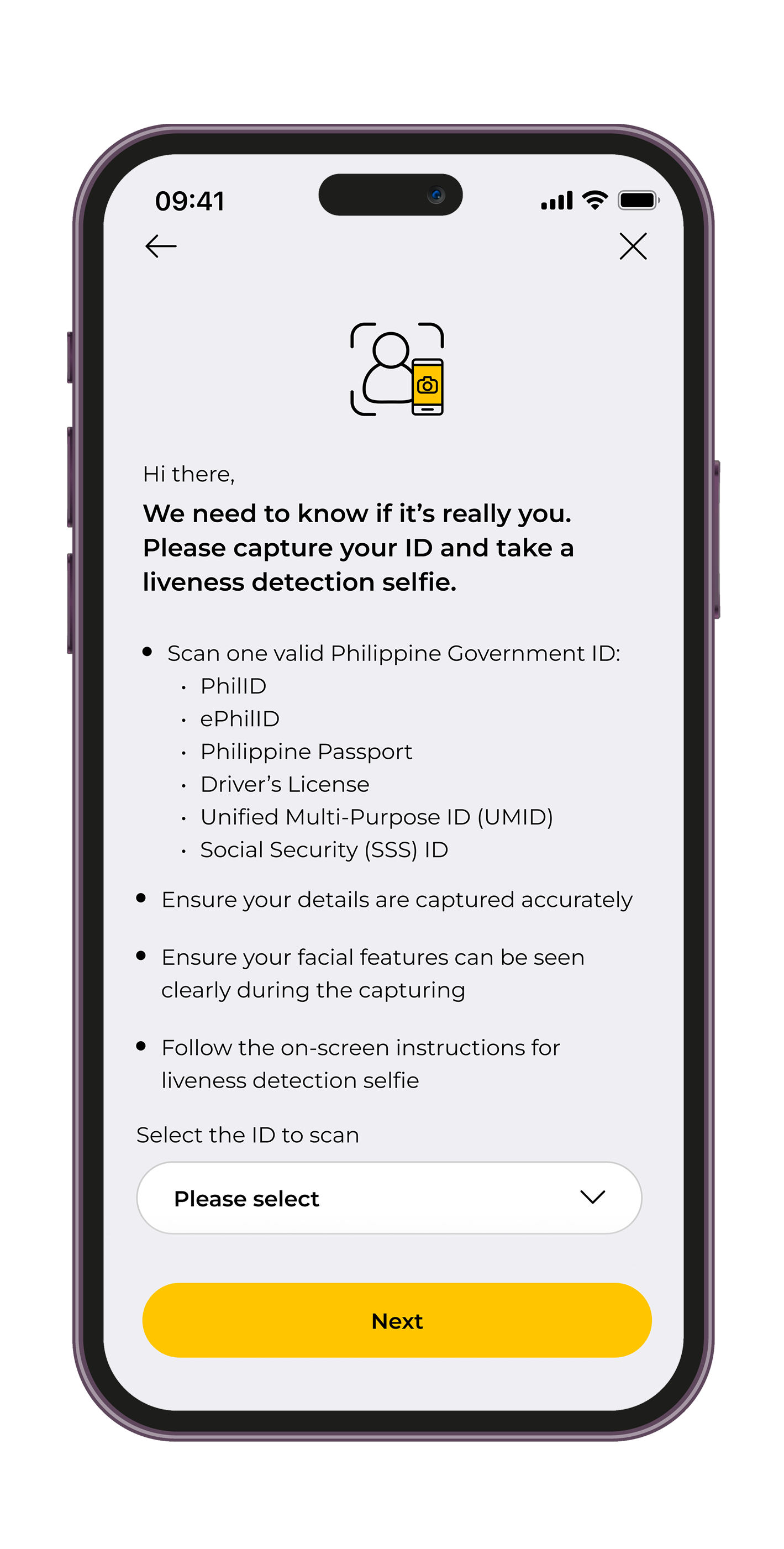
Take a photo of your valid and eligible Philippine Government ID and take a liveness detection selfie to verify your identity.
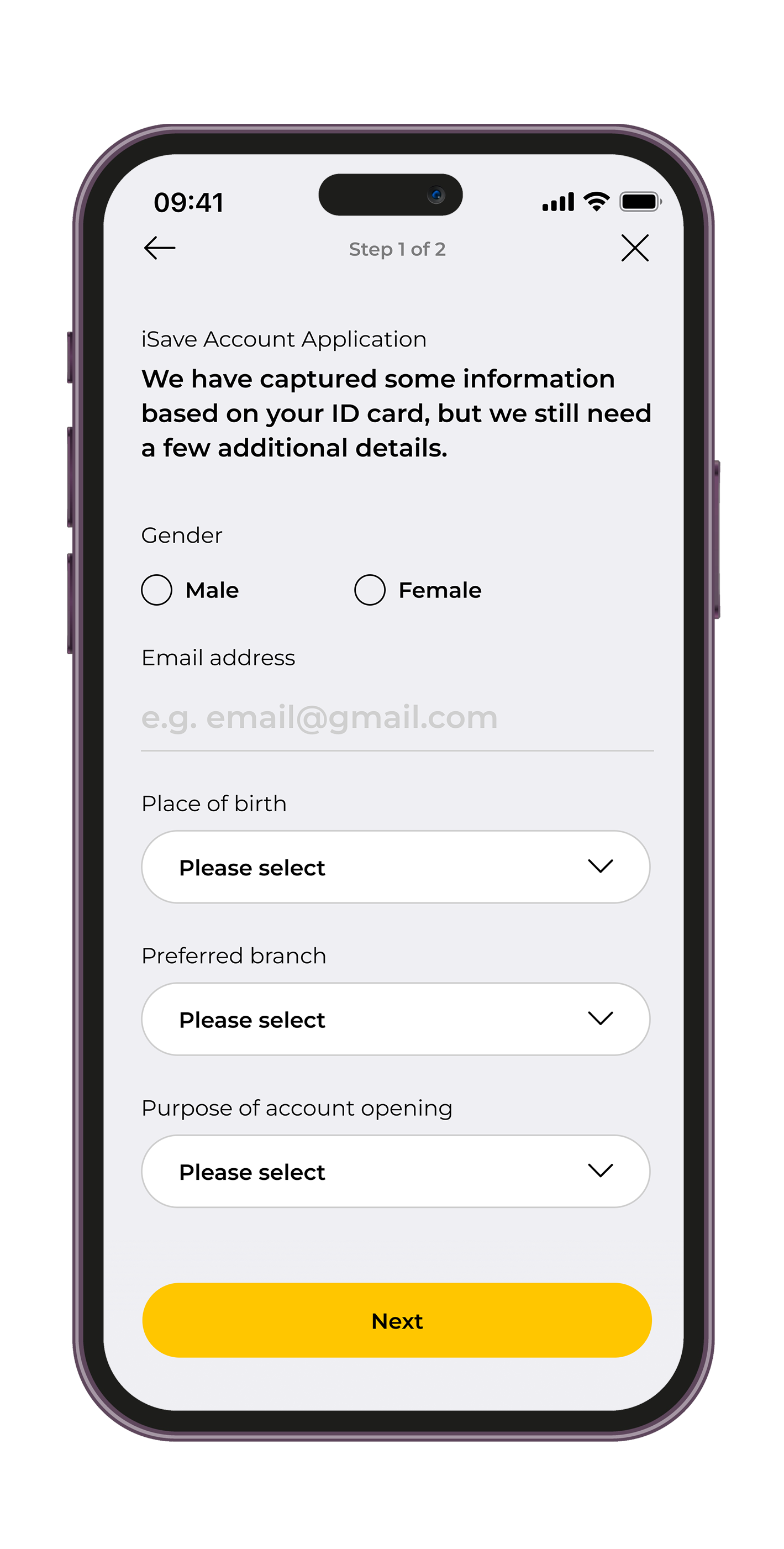
Step 4
We have captured some information based on your ID, but we still need you to enter few additional required details.
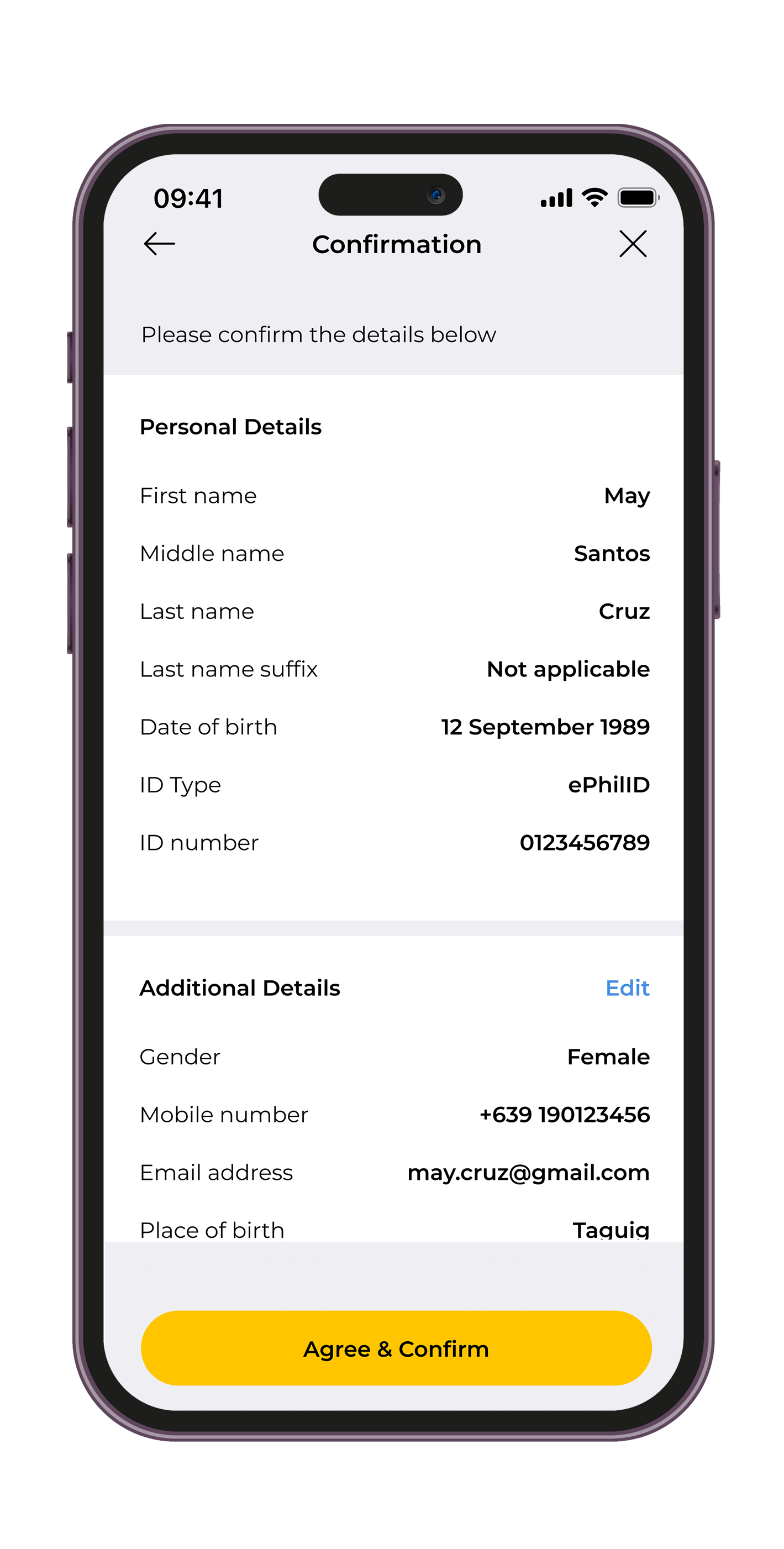
Step 5
Once done, review the accuracy of your application details and read the set of declarations. Tap "Agree & Confirm" to proceed.
Finally, input the OTP that you will receive.
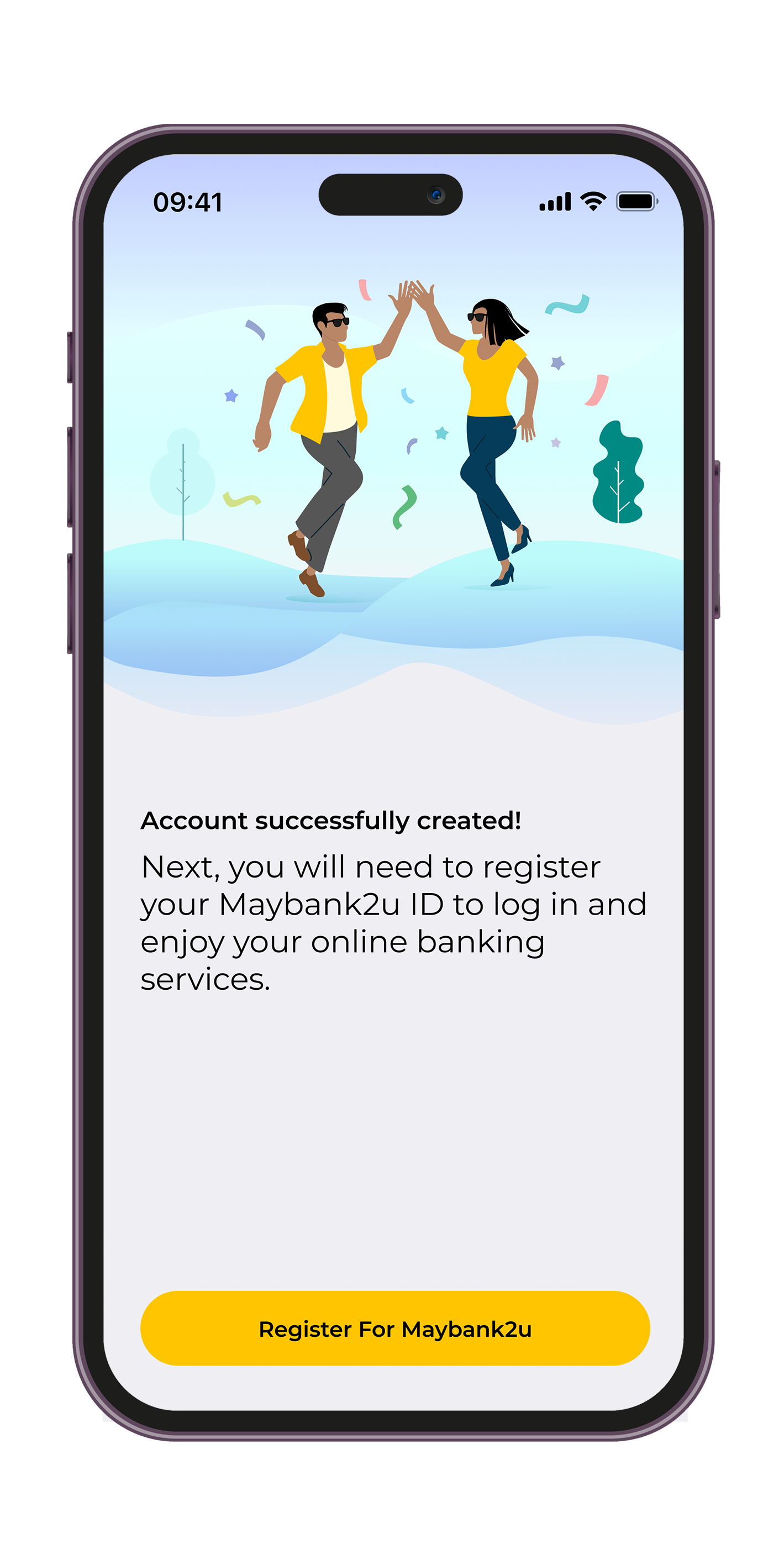
DONE!
You've successfully opened a Maybank iSave account! Proceed to activating M2U to access your iSave account.
Learn more about Maybank iSave Account here.
© 2016 Maybank. All rights reserved. |
Internet Banking Terms & Conditions |
Security, Privacy & Client Charter |
About Us |
Careers |
Contact Us
A proud member of
and PDIC. | Deposits are insured by PDIC up to P1 Million per depositor.
For inquiries or complaints, you may contact Maybank Customer Service hotline at (02) 8588 3888 or our toll-free number 1800 10 588 38888. Alternatively, you may also send an email to mpi.customerservice@maybank.com
Maybank Philippines, Inc. is regulated by the Bangko Sentral ng Pilipinas | https://www.bsp.gov.ph
A proud member of
and PDIC. | Deposits are insured by PDIC up to P1 Million per depositor.
For inquiries or complaints, you may contact Maybank Customer Service hotline at (02) 8588 3888 or our toll-free number 1800 10 588 38888. Alternatively, you may also send an email to mpi.customerservice@maybank.com
Maybank Philippines, Inc. is regulated by the Bangko Sentral ng Pilipinas | https://www.bsp.gov.ph