
 Back
Back - All
- Quick Actions
- Manage Account Details
- Improved Security
- Hide or Show Balance
- eSOA Download
- Debit Card Request
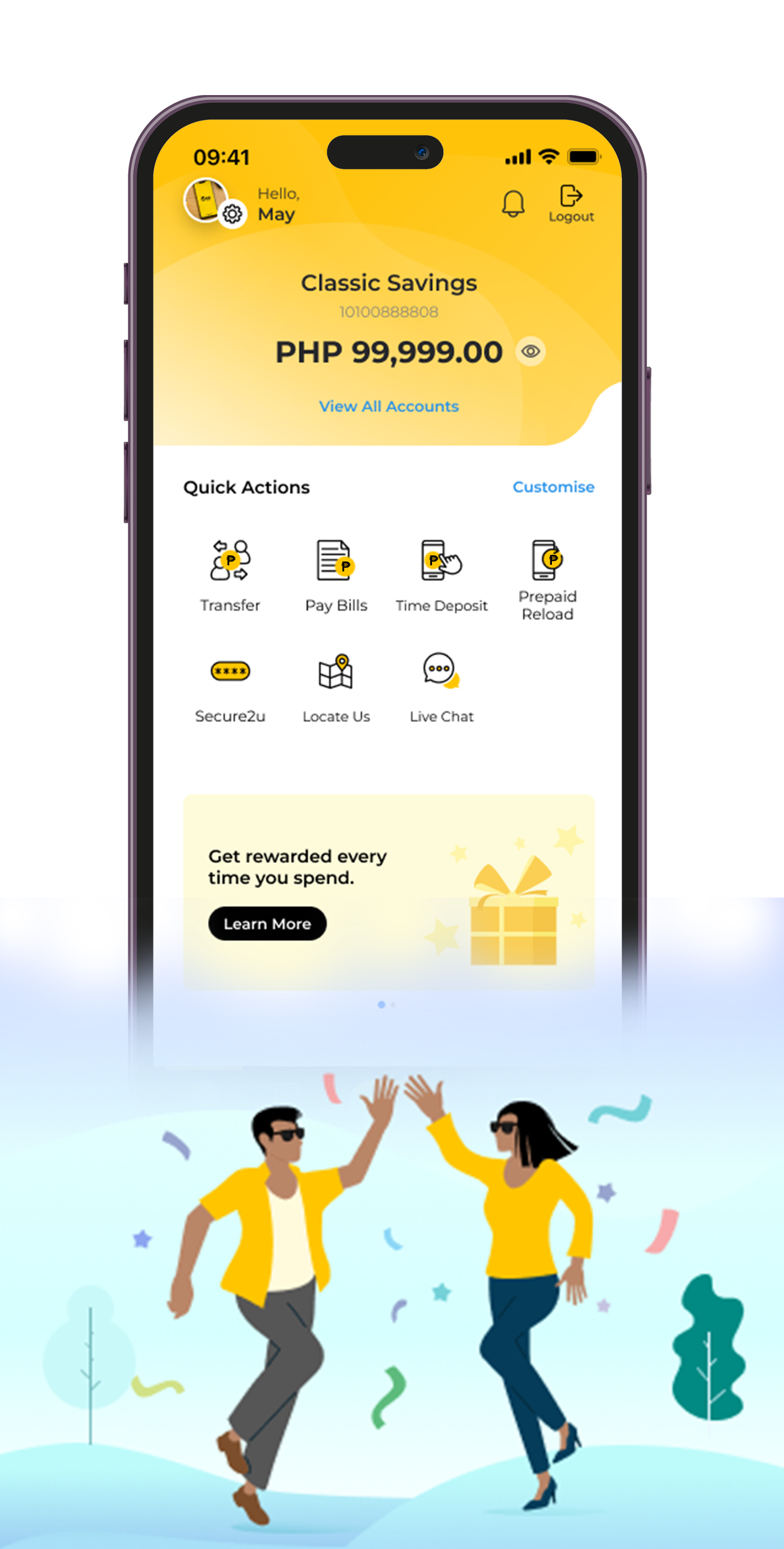
IMPROVED LOOK
Your Maybank2u PH (M2U) App got a glow up! With a fresh, new look and intuitive design, M2U provides an upgraded mobile banking experience for your daily banking needs. It's the same M2U PH App you love but made even better!
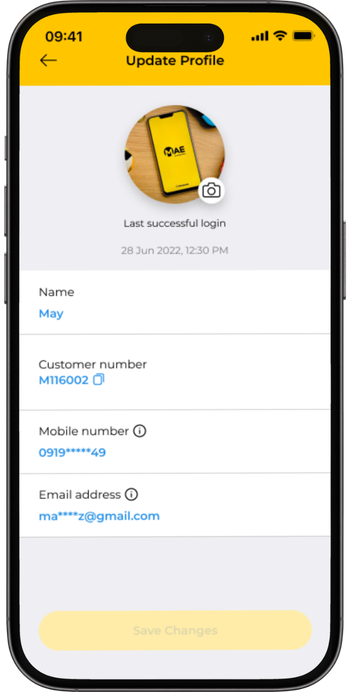
MANAGE ACCOUNT DETAILS
Conveniently update your registered mobile number or email address via the M2U PH App:
- Tap the Settings icon on the upper left corner of your dashboard
- Tap “Profile”, then enter your password
- Select which detail to update and follow the succeeding steps
- To complete updating your mobile number or email address, you will be asked to approve via Secure2u in-app authorization
For your security, any update made will be subject to a 24-hour account verification period before you can access M2U PH App again. You will receive an in-app push notification once the account verification is completed and you can log in to your M2U PH App again.

QUICK ACTIONS
Your favorite banking transactions right at your fingertips! No need to navigate around the app to look for the transaction options—just log in and tap the Quick Action icon of your preferred transaction and you're good to go. Plus! Customize and reorder some of the icons to fit your lifestyle and banking needs.
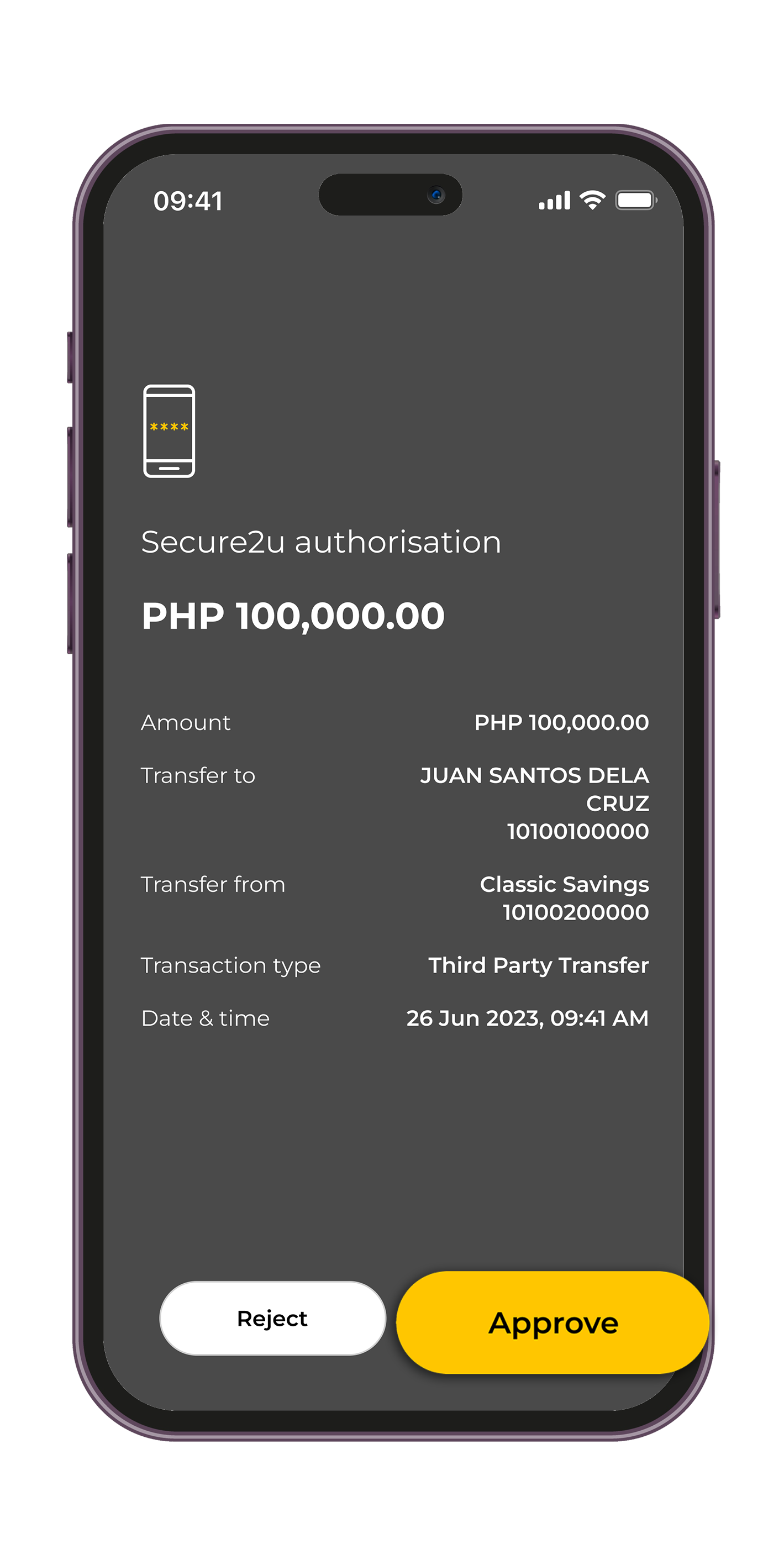
SECURE2U (S2U)
Approve transactions with a single tap on the app. No need to worry about roaming charges or weak network signal that can delay receipt of SMS Transaction Authorization Code (TAC) or One-Time Password (OTP).
Learn more about S2U here.
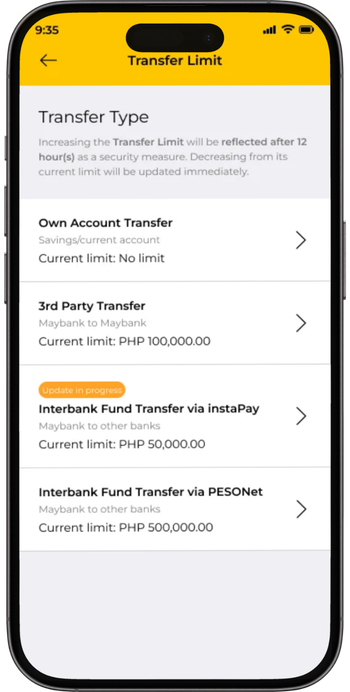
MANAGE TRANSACTION LIMITS
Increase or decrease your transaction limits, whenever you need to, for bills payments, fund transfers, prepaid reloading and ATM transactions.
Learn more here.
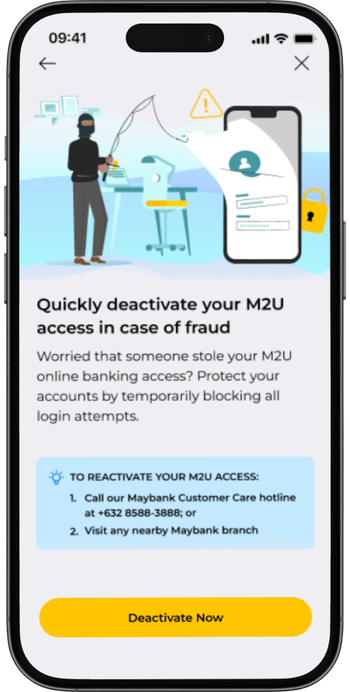
SECURE LOCK: TEMPORARILY DEACTIVATE M2U ACCESS
Instantly freeze your M2U access in-app, in case of any suspected unauthorized access. You may reactivate your M2U access by calling Customer Care or visiting any branch near you.
Learn more here.
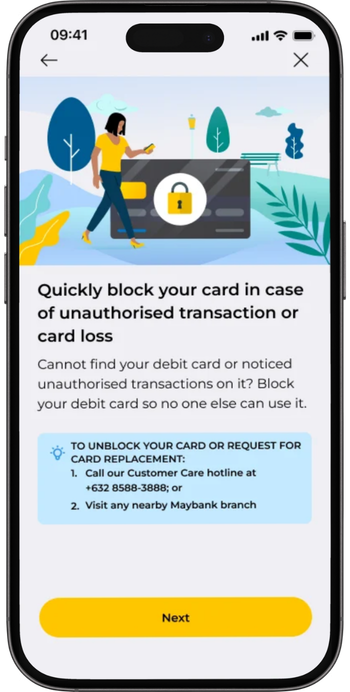
SECURE LOCK: PERMANENTLY BLOCK DEBIT CARD
Permanently block your Maybank Debit Card immediately in-app, in case of suspected fraud or lost card. To request for a card replacement (subject to applicable fees), call Customer Care or visit any branch near you.
Learn more here.

LOG-IN OPTIONS
As an added security, you can now log in using a PIN on top of a password or biometric option. Simply nominate your 6-Digit PIN when you set up your M2U access.
Forgot your PIN? Don’t worry, just tap 'Forgot PIN' on your log-in screen to reset it.
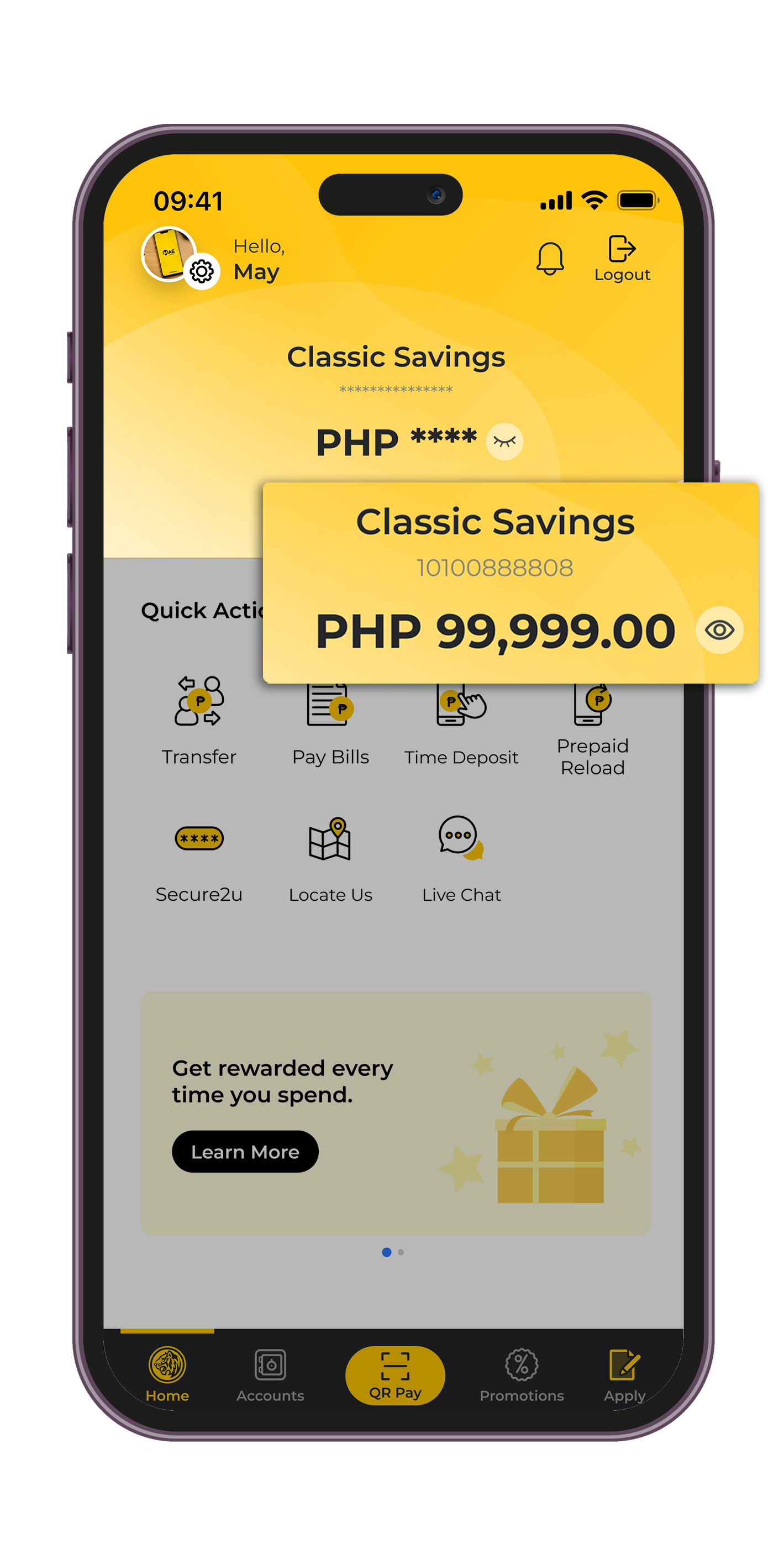
HIDE OR SHOW BALANCE
Instantly hide your primary account’s balance or your password from prying eyes with the visibility toggle option. Want to quickly check your primary account’s balance? Simply tap the visibility toggle to view it, then tap again to hide the balance. The last toggle setting before you log out will be the same setting on your next log in.

eSOA DOWNLOAD
View and download up to 12 months*of your deposit electronic statement of account (e-SOA) in one go via M2U. No need to line up at the Branch to get a copy of your statement!
*The eSOA statement feature covers transactions from May 2024 onwards.
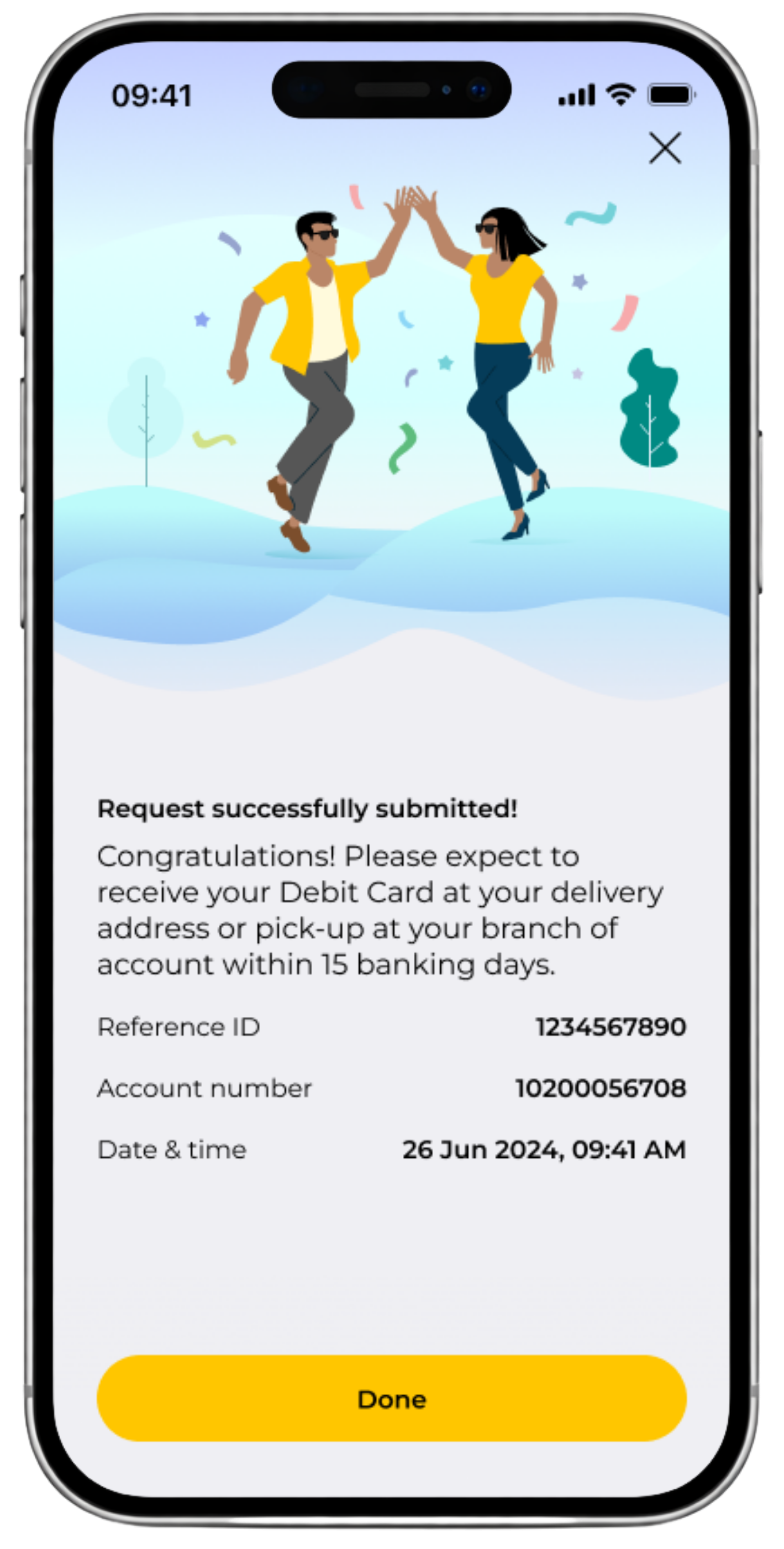
DEBIT CARD REQUEST
Conveniently request for a new debit card or change your debit card PIN with just a
few taps via the Maybank2u PH (M2U) mobile app. No forms and no queues!
The new debit card request and delivery are FREE*
Enjoy free withdrawals at over 900 Maybank and Euronet ATMs nationwide. Learn more about Maybank ATMs here.
For the step-by-step guide on how to apply for a debit card, click here.
*Subject to deposit requirements