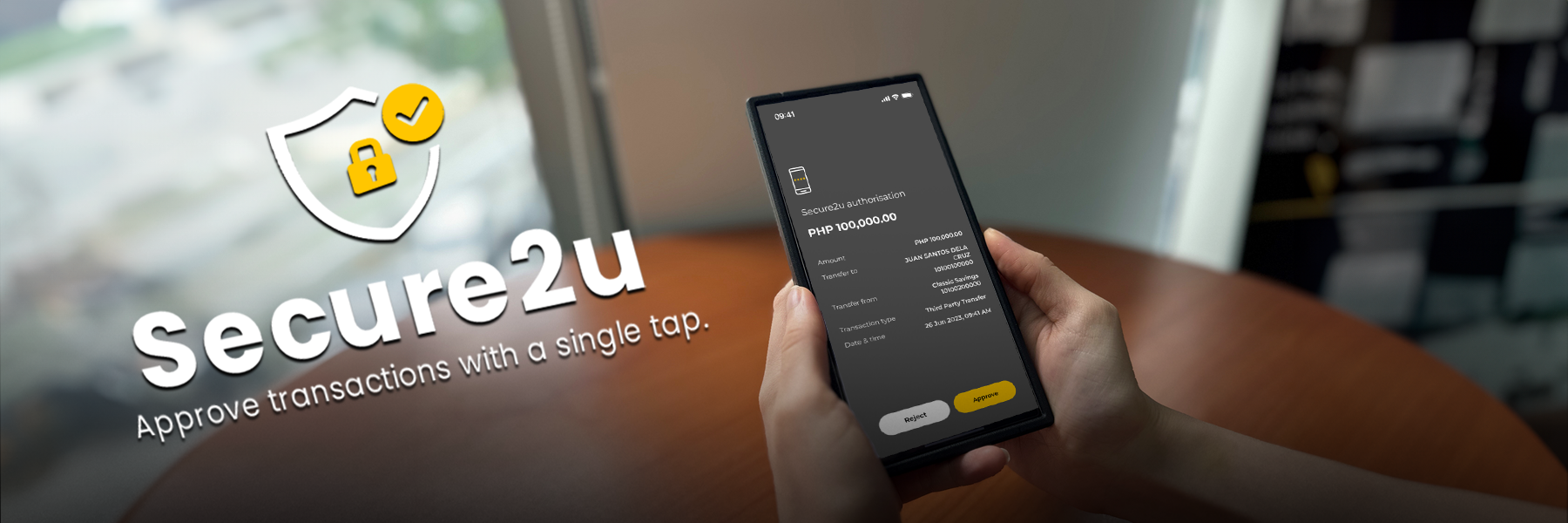
Secure2u
Fast, easy, and secure in-app transactions
What is Secure2u?
Secure2u (S2U) is an enhanced option that allows you to conveniently and swiftly authorise your Maybank2u PH (M2U PH) App transactions with a single tap approval on the app, instead of waiting for an SMS and having to encode the generated Transaction Authorization Code (TAC) or One-Time Password (OTP).
S2U pairs or links your mobile device with your M2U PH, so that only your registered mobile device can authorize your digital transactions in the M2U PH App. S2U's unique device binding reduces your exposure to SMS fraud. Plus, with S2U, you don't need to have SMS connectivity. You don't have to worry about incurring roaming charges or having weak network signal that can delay receipt of SMS.
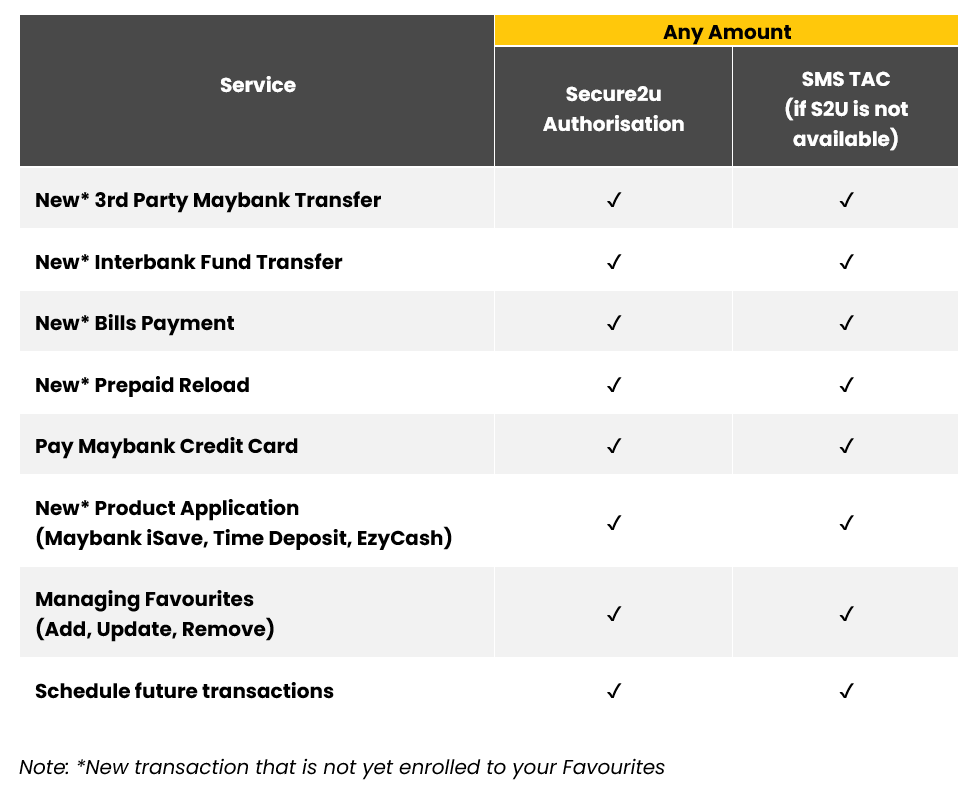
Once you enable the S2U feature in your M2U PH App, it will be the default transaction authorisation method for the available in-app services, unless you disable the S2U feature in your M2U PH app Settings or if the S2U feature is not available.
Where can Secure2u be used?
Frequently Asked Questions
- How do I activate Secure2u?
You can activate S2U if you have an active M2U PH account and are using the M2U PH App.- If it is your first time activating the M2U PH App or if you are logging in to your account on a new device, activation of S2U is a required step for your first-time login.
- If you're already using the M2U PH App and you disabled S2U, you may enable it again in your Settings. Login to the M2U PH App then go to Settings > Maybank2u > Secure2u > tap on the toggle to enable.
- How do I approve a transaction using Secure2u?
- Perform a transaction in the M2U PH App
- On the confirmation page, tap 'Confirm'.
- You will be shown the Secure2u Authorisation screen where you can 'Approve' or 'Reject' your transaction with a single tap within 60 seconds. Tap 'Approve' to authorize your transaction.
- Am I required to use Secure2u in the Maybank2u PH App?
If it is your first time activating the M2U PH App or if you are logging in to your account on a new device, activation of S2U is a required step for your first-time login.
You may disable S2U any time after activation, however it is highly recommended to use S2U to authorise your transactions. You may enable S2U again via M2U PH App Settings. - If I have the Maybank2u PH app on more than one device, how does Secure2u work for me?
You can only activate S2U on one mobile device. - I have a new mobile device. How do I unlink my M2U access from my old mobile device and link it to my new mobile device?
Simply download the M2U PH App in your new mobile phone and proceed with the activation of your M2U access. Your old mobile device will automatically be unlinked from your M2U access once you activate M2U in your new mobile device. - How do I change my registered mobile number in M2U PH?
To update your mobile number for M2U, please visit any Maybank branch near you to request for updating.
Once your mobile number is updated, simply download the M2U PH App in your new mobile phone and proceed with the activation of your M2U access. Your old mobile device will automatically be unlinked from your M2U access once you activate M2U in your new mobile device. - Can I use Secure2u to approve transactions in the Maybank2u internet banking or web?
As of now, only transactions performed on the new Maybank2u PH app can be approved with Secure2u. If you perform a transaction via Maybank2u internet banking or web, you will still have to request and input TAC.