Here's How to Activate or Login to the New M2U PH App
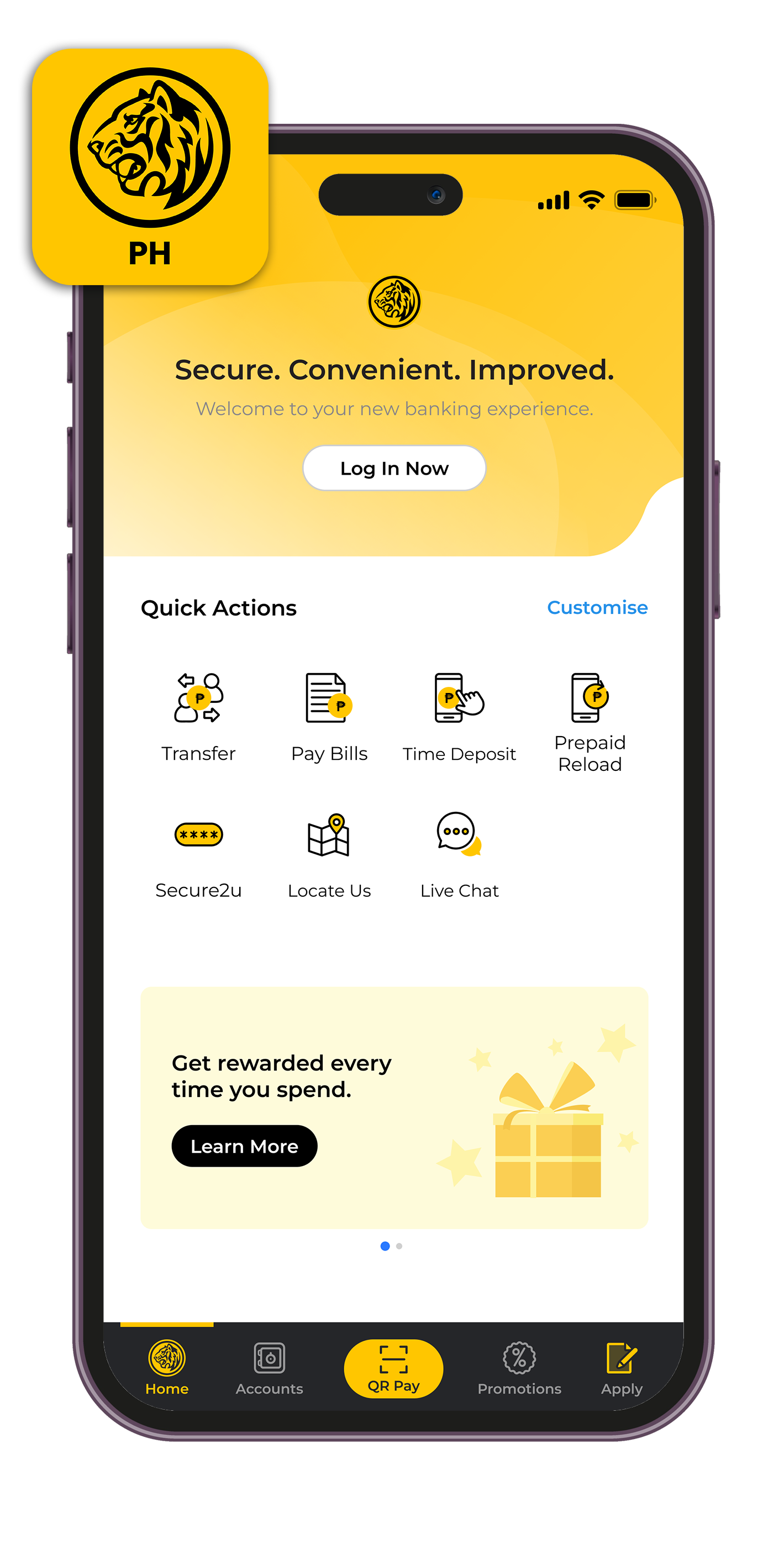
Step 2
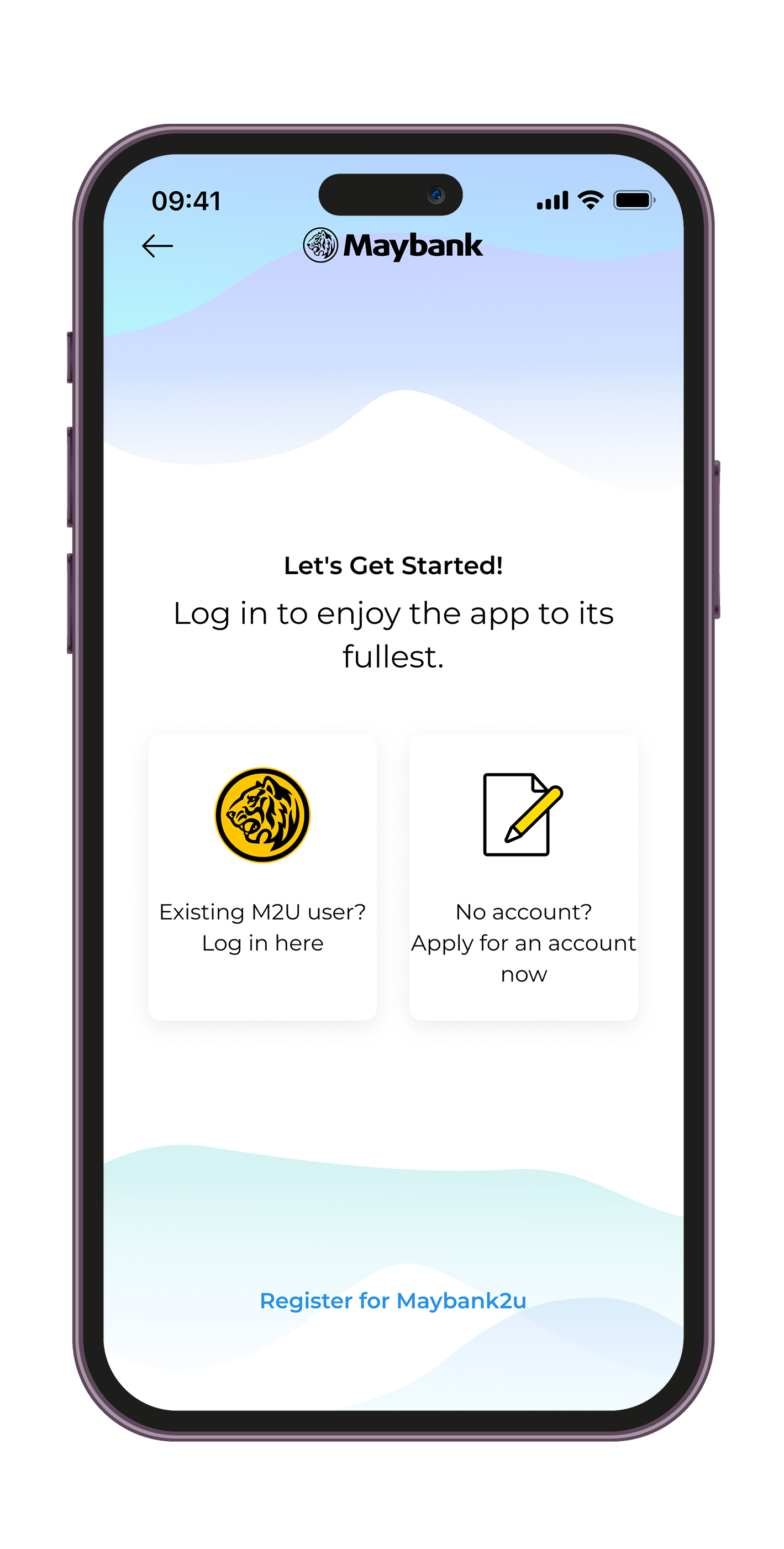
Tap "Existing M2U user? Log in here" or "Register for Maybank2u".
You will then be asked to provide either your existing or nominate your new M2U username, security image & phrase, and password.
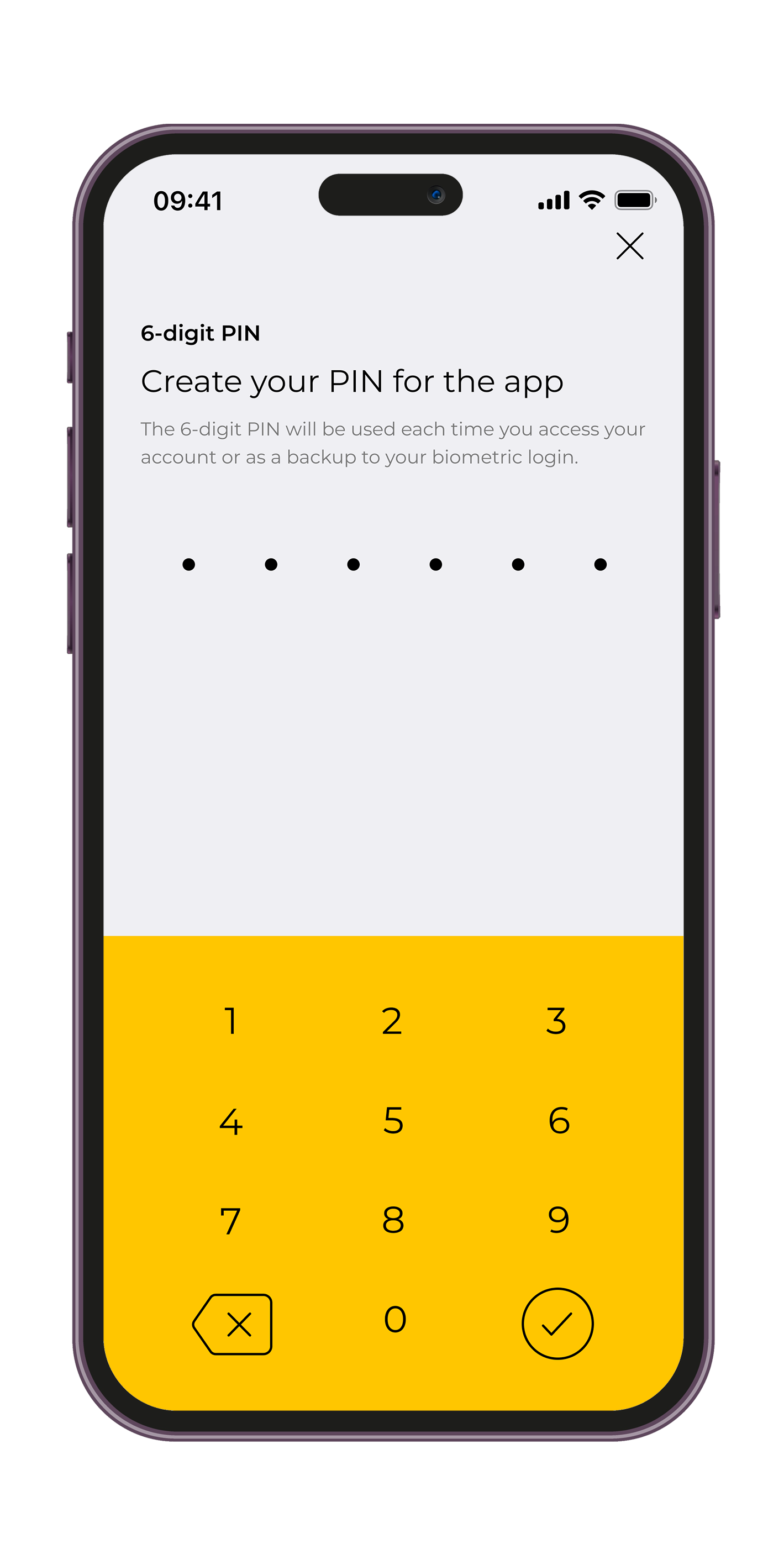
Step 3
Create your 6-digit PIN which you can use when you login, on top of the biometric login option.
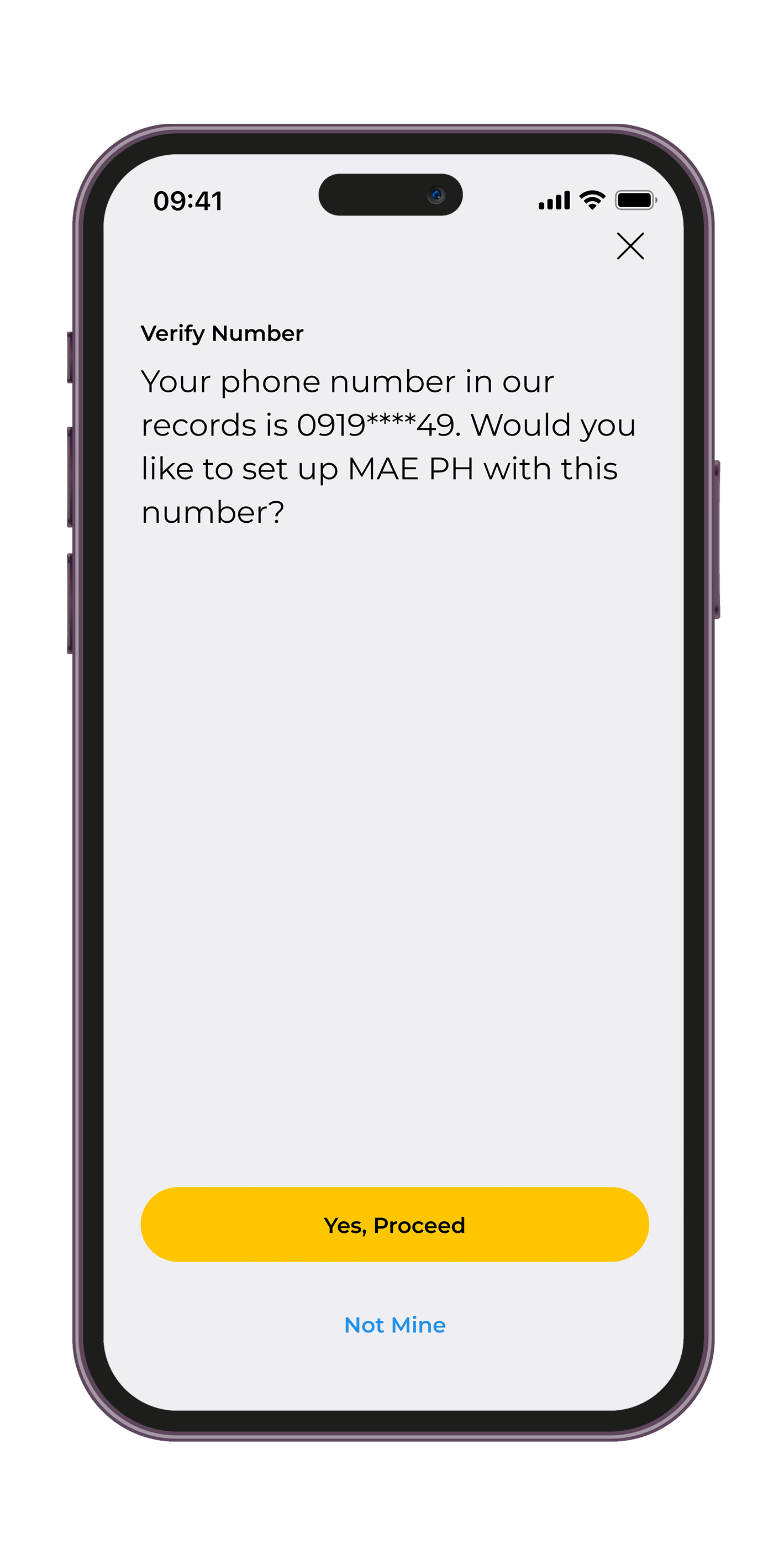
Step 5
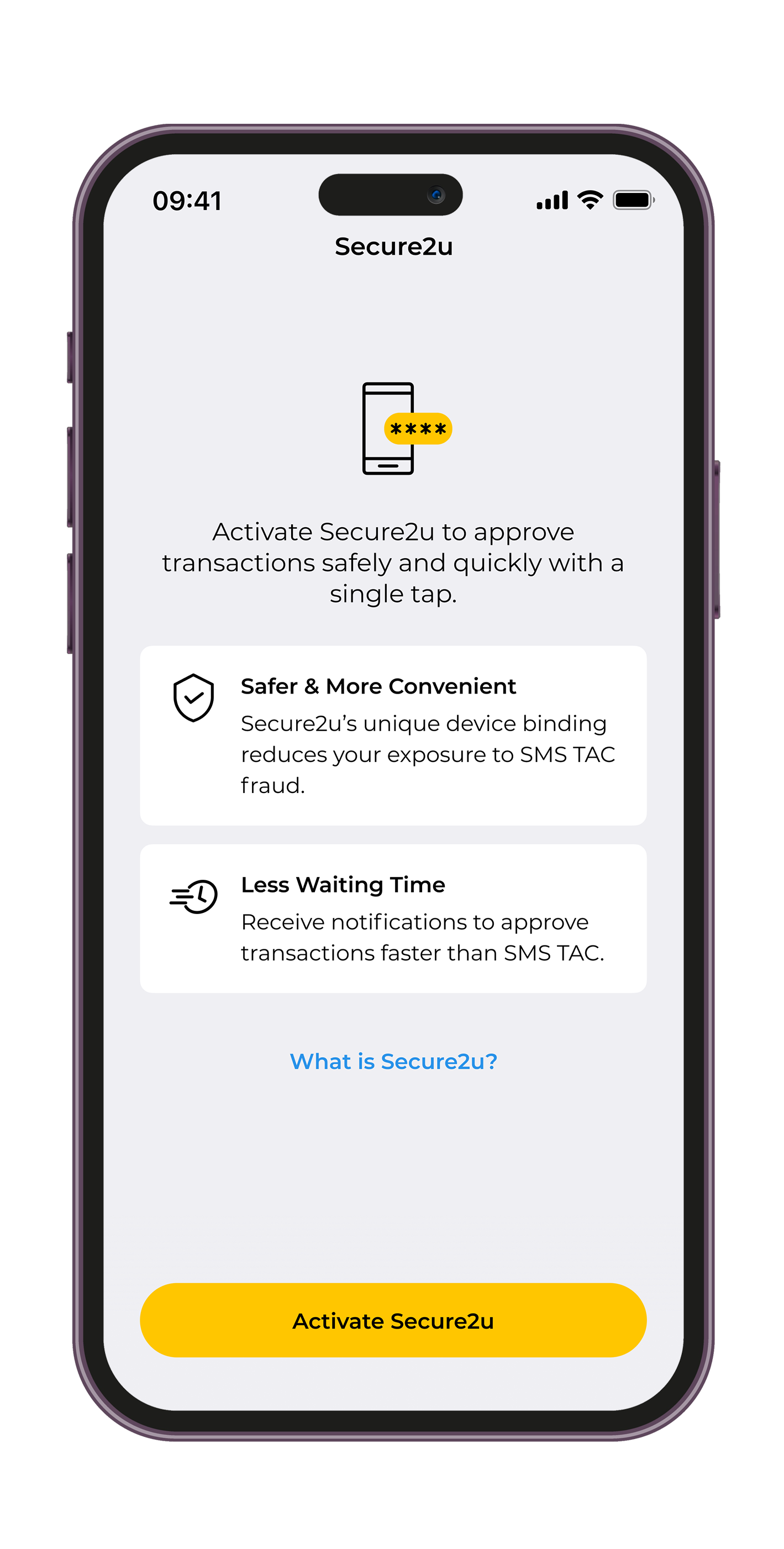
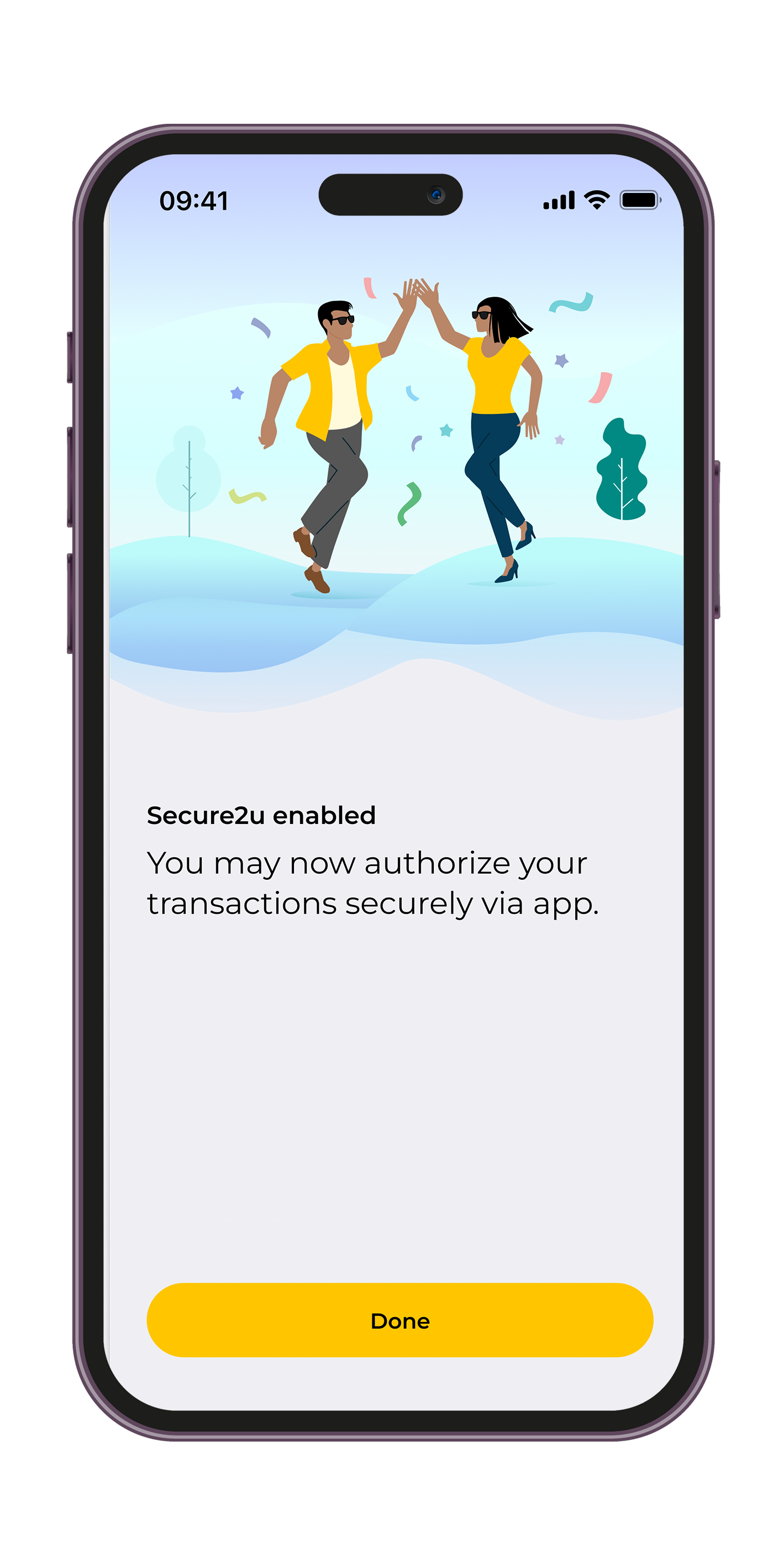
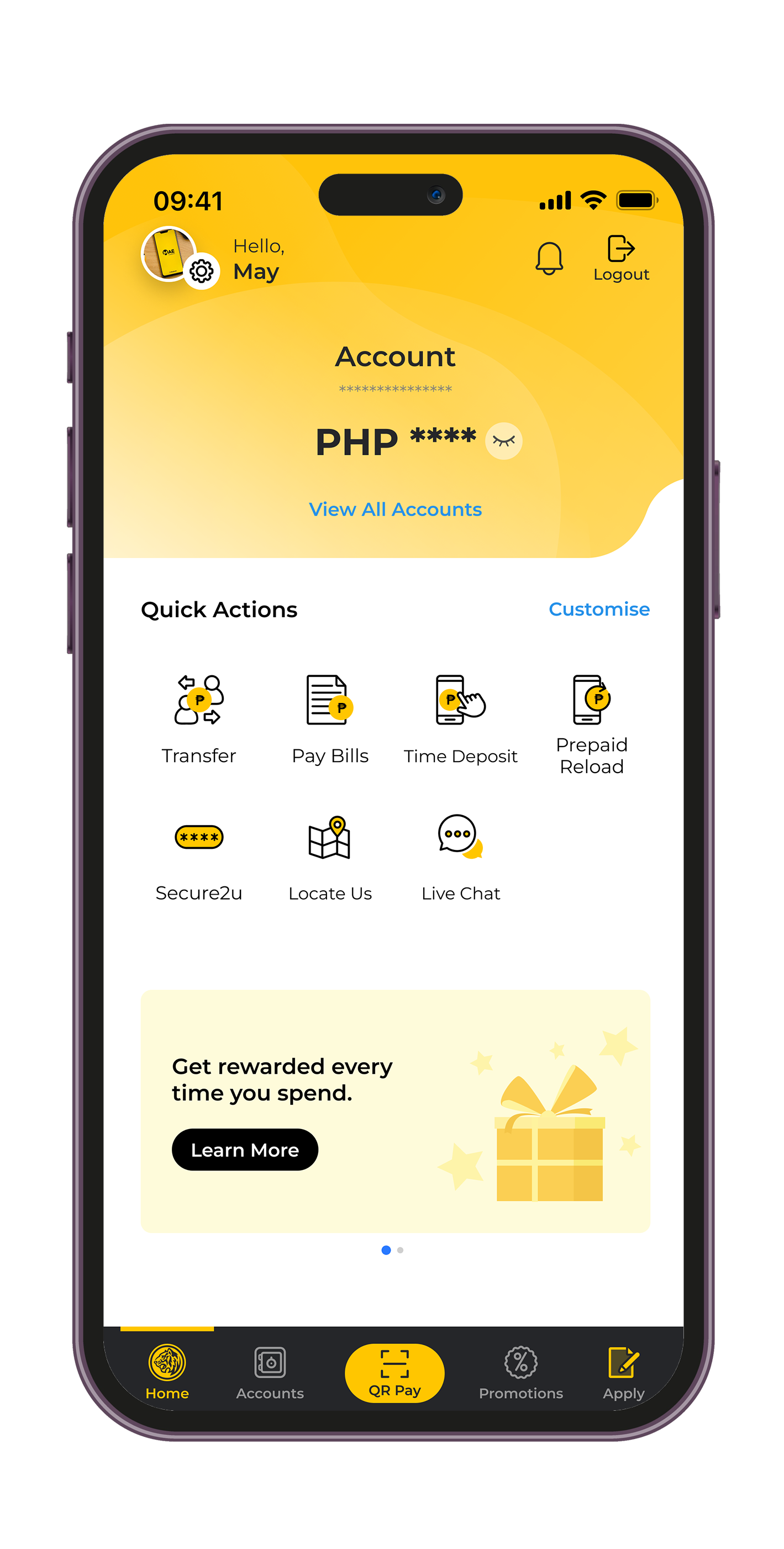
Activate Secure2u (S2U) by confirming to link your device to your M2U access via OTP then tap "Done"
© 2016 Maybank. All rights reserved. |
Internet Banking Terms & Conditions |
Security, Privacy & Client Charter |
About Us |
Careers |
Contact Us
A proud member of
and PDIC. | Deposits are insured by PDIC up to P1 Million per depositor.
For inquiries or complaints, you may contact Maybank Customer Service hotline at (02) 8588 3888 or our toll-free number 1800 10 588 38888. Alternatively, you may also send an email to mpi.customerservice@maybank.com
Maybank Philippines, Inc. is regulated by the Bangko Sentral ng Pilipinas | https://www.bsp.gov.ph
A proud member of
and PDIC. | Deposits are insured by PDIC up to P1 Million per depositor.
For inquiries or complaints, you may contact Maybank Customer Service hotline at (02) 8588 3888 or our toll-free number 1800 10 588 38888. Alternatively, you may also send an email to mpi.customerservice@maybank.com
Maybank Philippines, Inc. is regulated by the Bangko Sentral ng Pilipinas | https://www.bsp.gov.ph